Academics · LMS · Parents, guardians and learners
Learning guide for parents and students
Choose the right portal, find learning materials and understand saving and submitting work.
Updated 8 October 2026
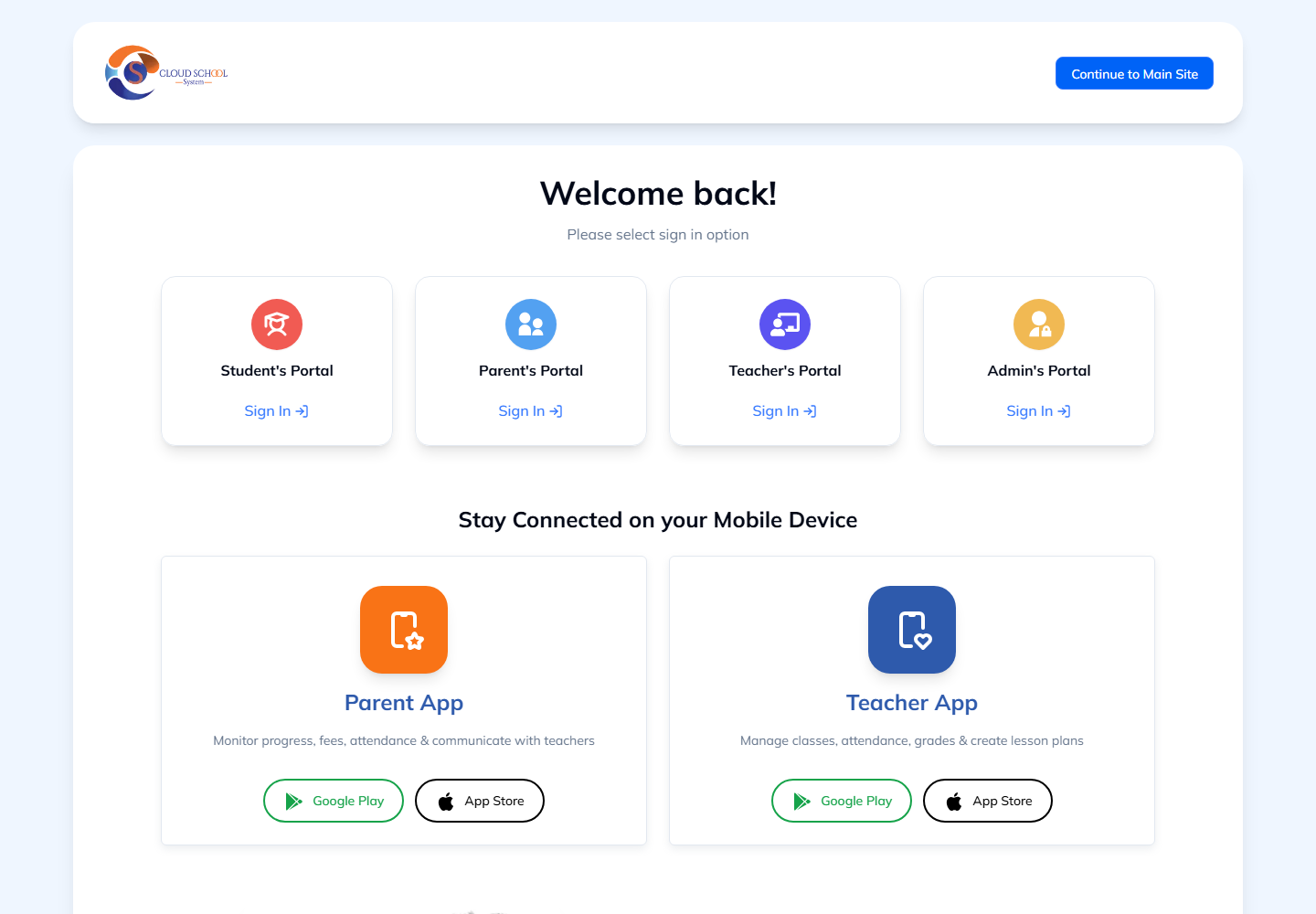
Choose the correct account
Where to find it: Welcome page → Parent’s Portal or Student’s Portal
- Parents and guardians should choose Parent’s Portal. Learners with a school account should choose Student’s Portal.
- Use the details your school provided. If a school or learner selector is shown, confirm the correct school and child.
- Ask the school office to check account access if your child is missing.
Start learning
Where to find it: Your learning portal → My learning
- Choose the correct learner and open My learning.
- Select Continue learning for a lesson or course. Read the learning goal and any materials needed before starting.
- Follow the explanation, video and activity in order. Use read aloud where your browser supports it.
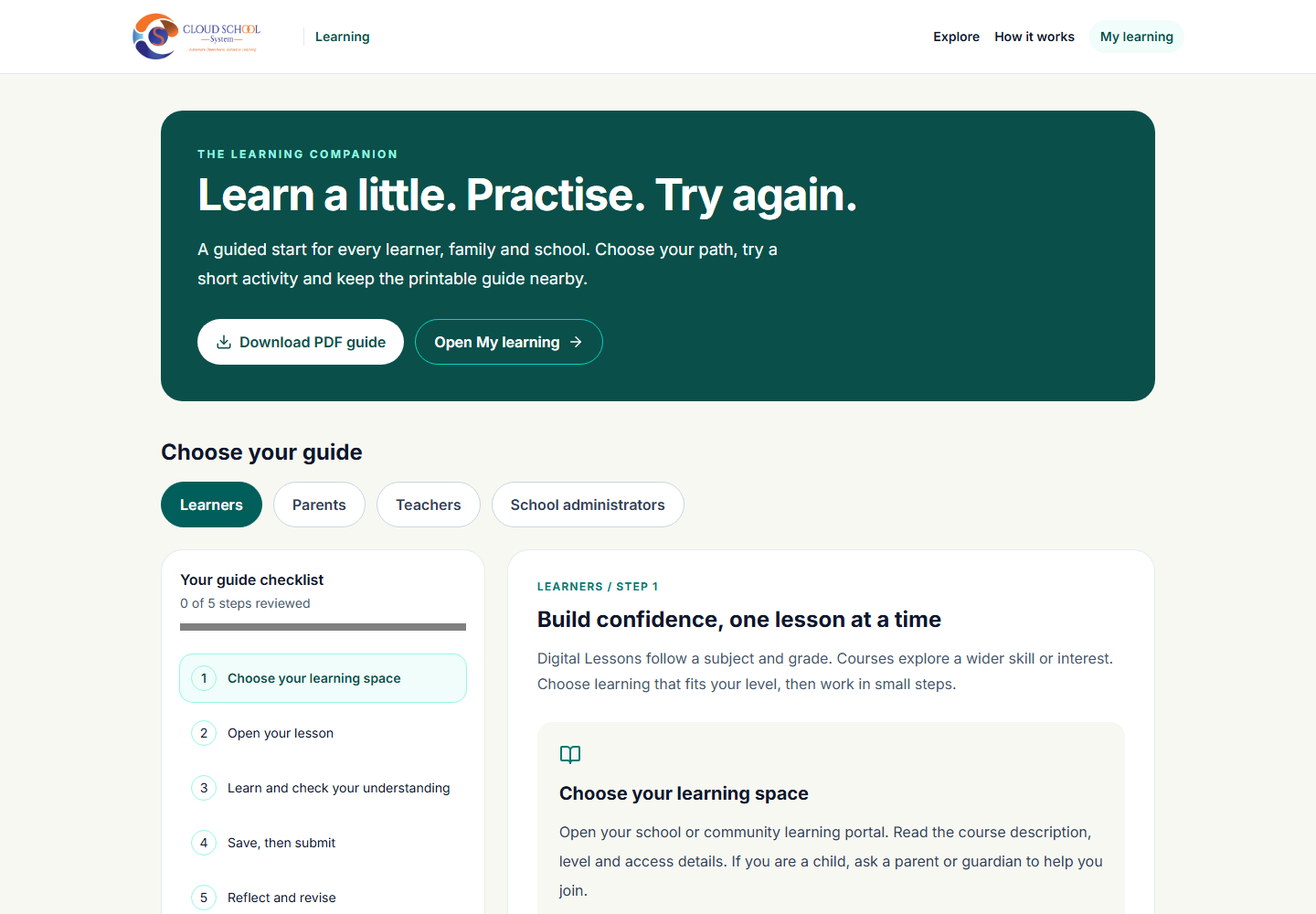
Note: Digital Lessons follow a subject and grade. Courses can cover a wider skill or interest. Ask a parent or guardian for help with practical activities.
Note: Open How it works and select Learners if you want the guided checklist or a printable PDF.
Save work and submit an assignment
Where to find it: Your lesson → Save my work; linked assignment → Submit
- Use the short checks to test your understanding and read the feedback.
- Select Save my work before leaving the lesson. Mark required stages as finished as you complete them.
- Open the linked assignment, review your answers and submit when ready. Return later for teacher feedback.
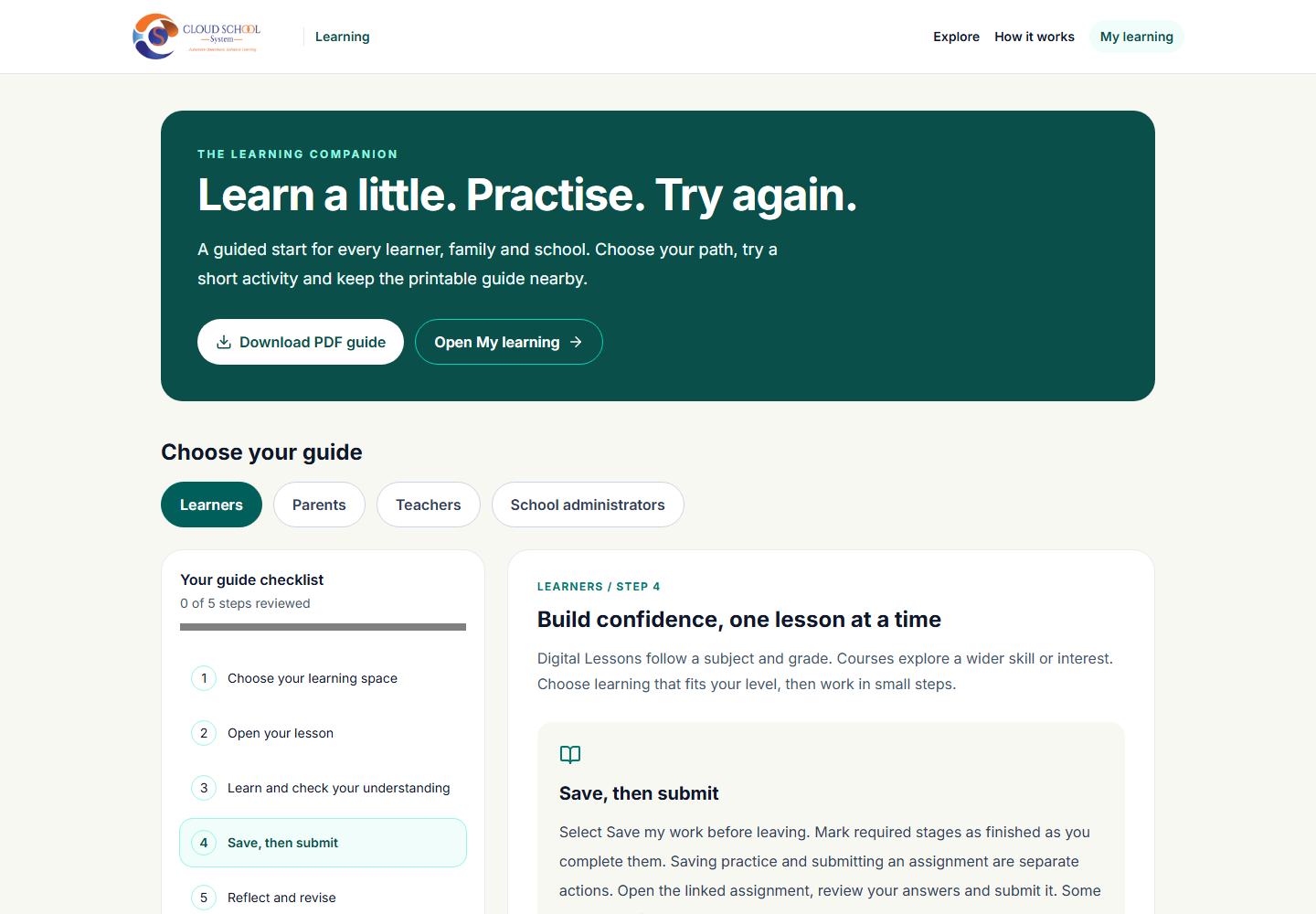
Note: Saving practice work and submitting an assignment are separate actions. Some work needs a teacher to mark it before a result appears.
Help a child build a learning routine
Where to find it: Parent or guardian learning account
- Choose learning that matches the child’s level and available access.
- Set a short, regular learning session and encourage the child to explain what they learned in their own words.
- Review progress and feedback together. Revisit difficult material before moving ahead.
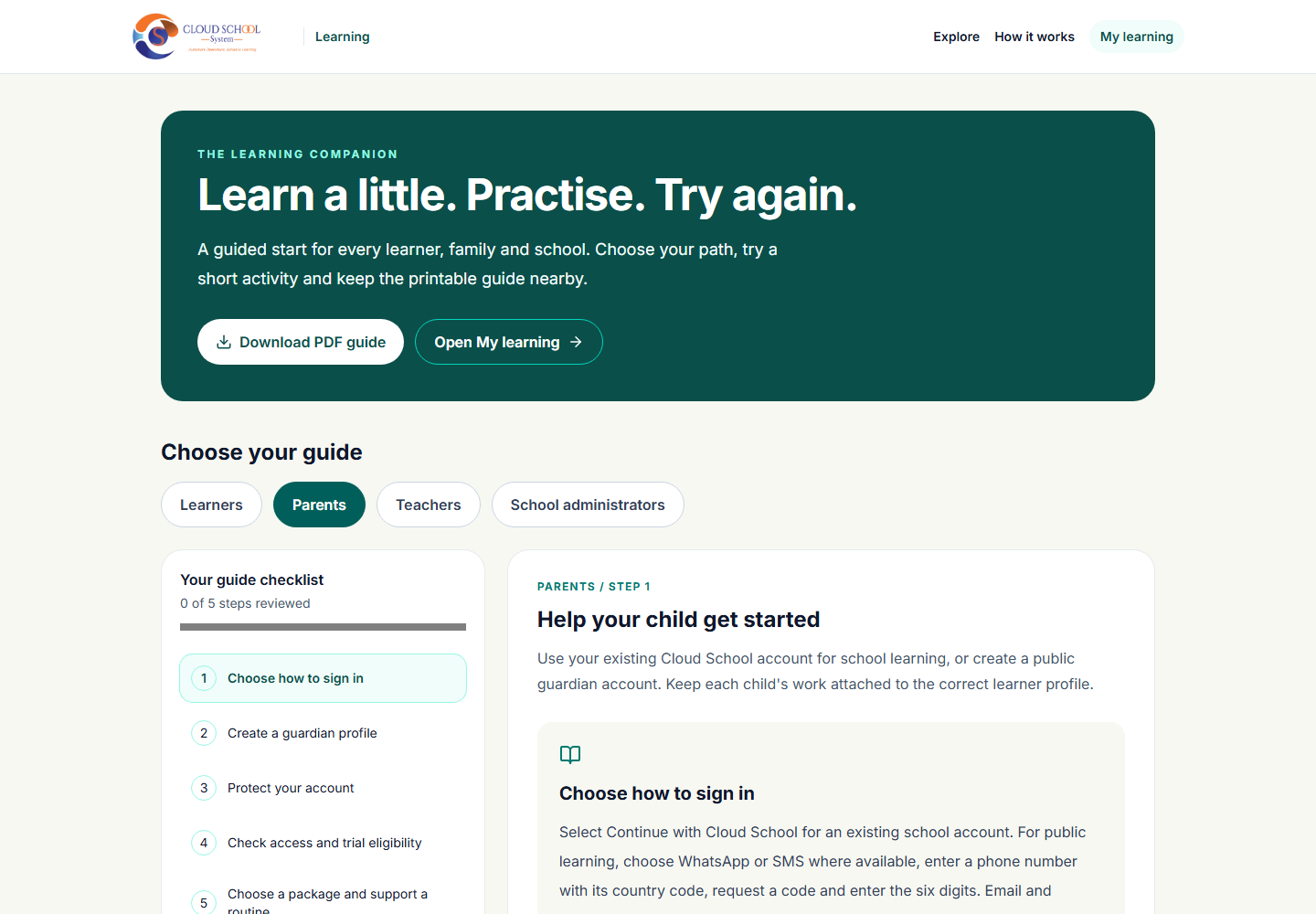
Note: Check the access details shown on the course. Follow the school’s guidance on assigned work and assessment.