Academics · LMS · Teachers and academic administrators
Teaching and reviewing work in LMS
Use Online Learning to organise activities, review submissions and support learners.
Updated 8 October 2026
Open your learning workspace
Where to find it: Academics → Online Learning
- Open Academics → Online Learning (LMS) and choose the class and stream you teach.
- Use Assignments, Quizzes or Formative assessments for the type of activity you want to prepare.
- Review the instructions, subject and intended learners before saving or publishing.
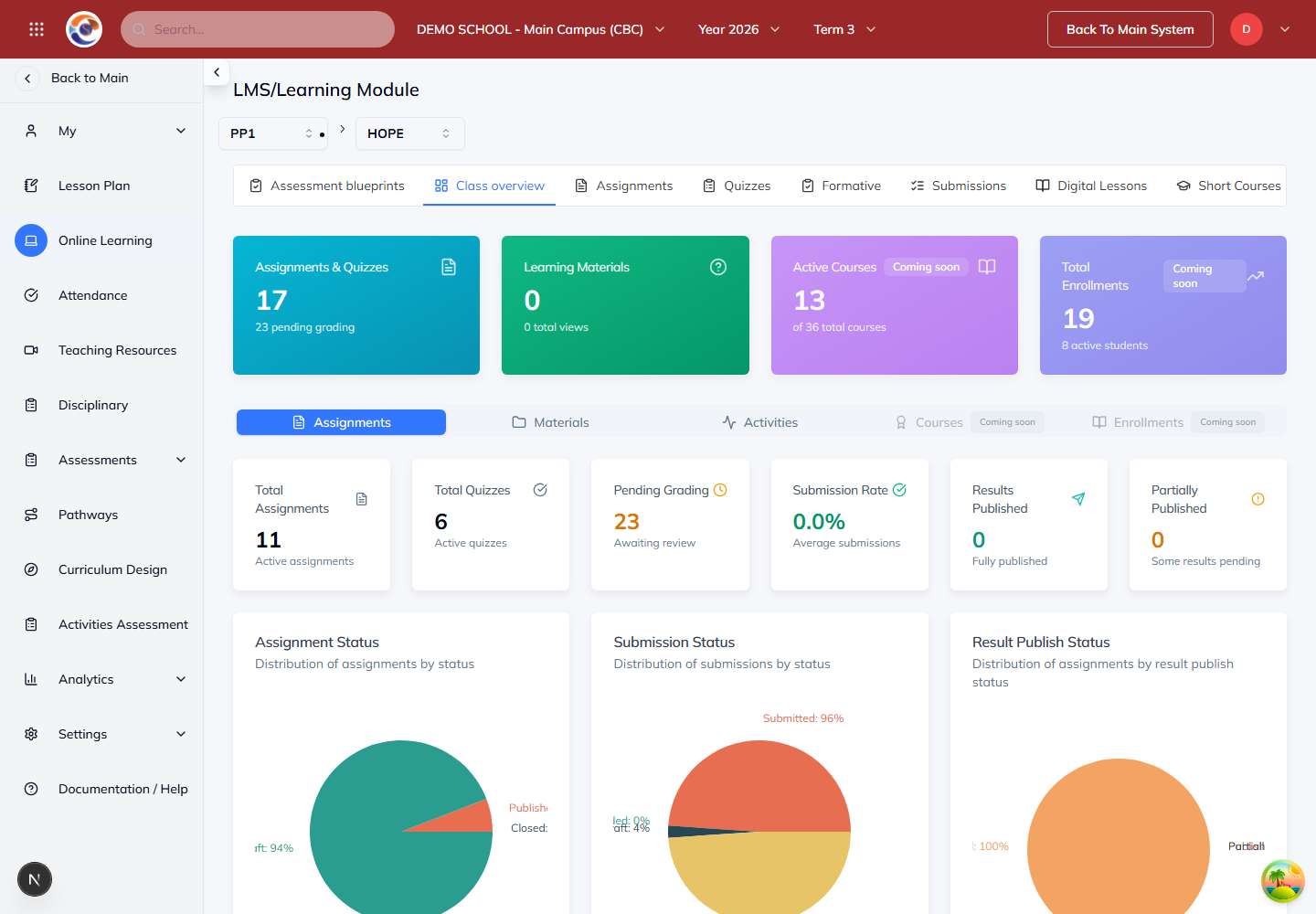
Note: A saved draft is not always visible to learners. Check the publication or access settings for the course.
Support learners and review work
Where to find it: Your class → Assignments or Submissions
- Read the learner’s submitted work and compare it with the task instructions.
- Give clear feedback and record marks where the task requires grading.
- Let learners know what to revise or complete next.
Note: Practice feedback and teacher-approved assessment results have different purposes. Use the school’s approved assessment process for report-card evidence.
Use the teacher walkthrough
Where to find it: Learning portal → How it works → Teachers
- Open How it works in the Learning portal.
- Choose Teachers and work through the checklist for planning, teaching and reviewing learner work.
- Use Download PDF guide when you need a printable reference.
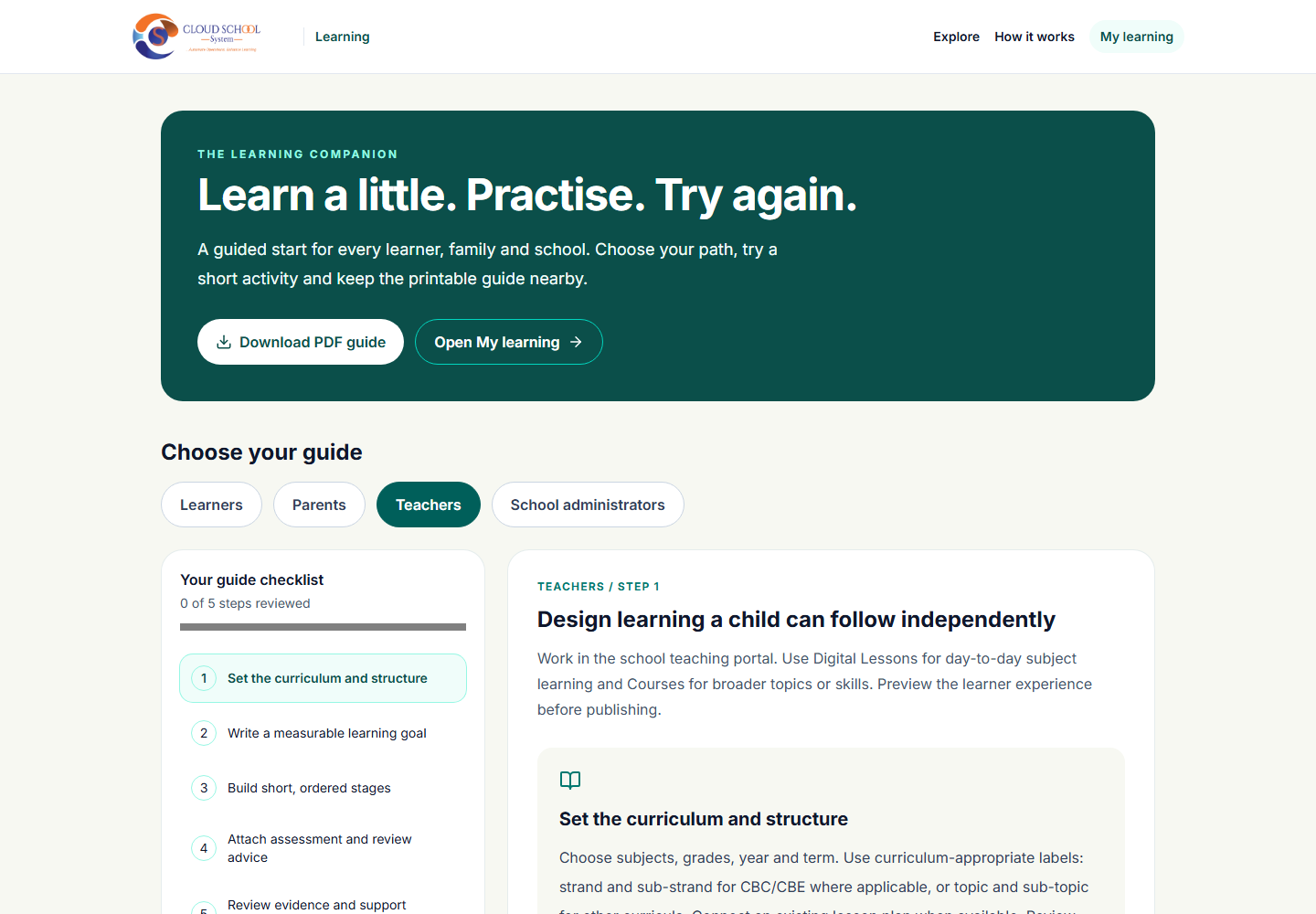
Note: The walkthrough explains the teaching routine. The school’s enabled tools and your permissions determine which course and assessment actions are available.