Academics · Discipline · Teachers and academic administrators
Recording and reviewing student conduct
Find a student, record a merit or demerit and review disciplinary records and reports.
Updated 8 October 2026
Review conduct information
Where to find it: Academics → Discipline
- Open Overview to review conduct summaries for the selected campus.
- Use Student Records to find the learner’s history.
- Check the year and term before interpreting totals or trends.
Record a merit or demerit
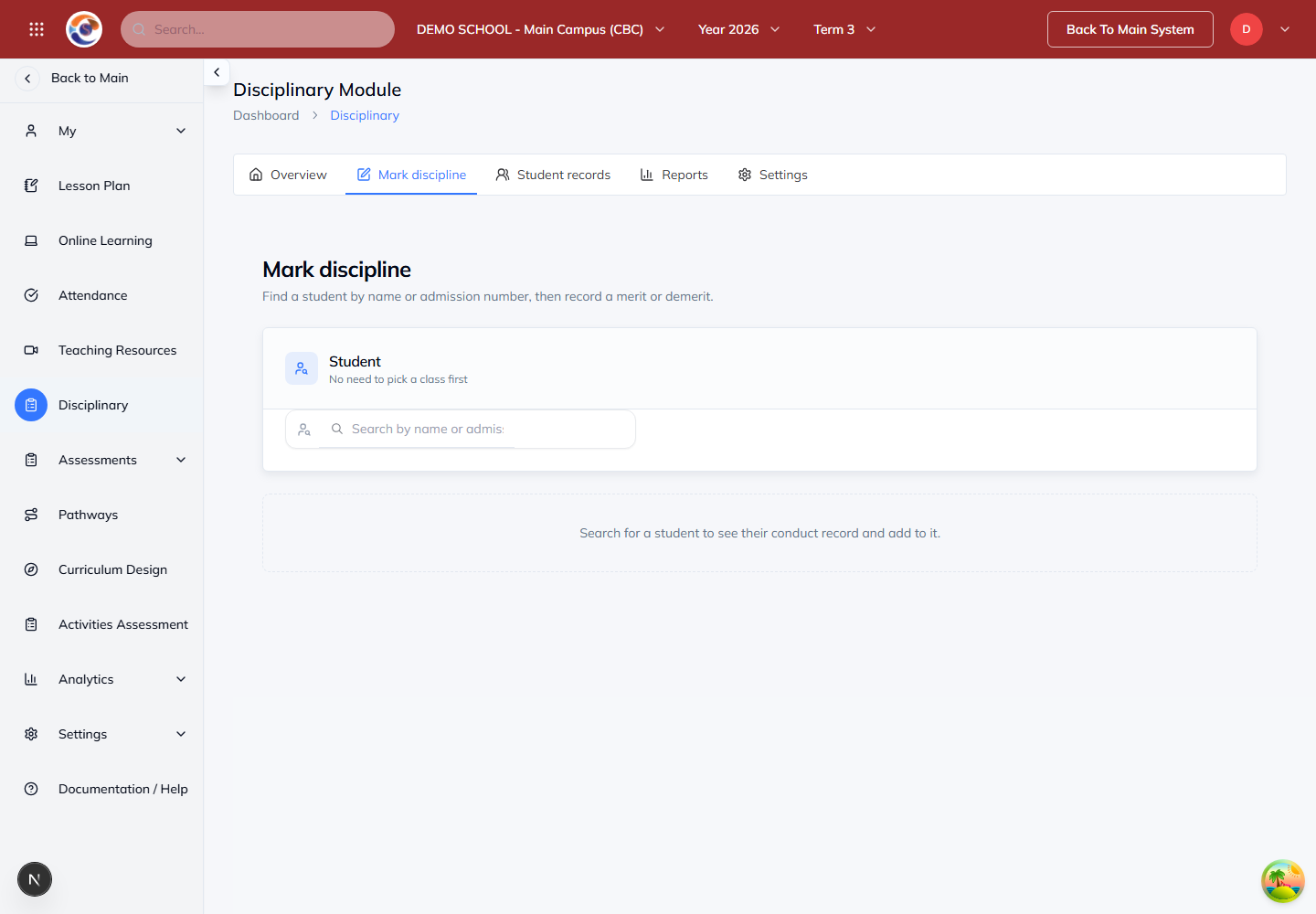
Where to find it: Discipline → Mark discipline
- Search by the student’s name or admission number and confirm the correct learner.
- Choose the relevant merit or demerit attribute, then enter the details and any required consequence.
- Review the student, date, points and description before saving. Confirm the new record in the student’s history.
Note: Only staff with the appropriate permission can add or change discipline records. Follow your school’s conduct policy and record factual details.
Use discipline reports
Where to find it: Discipline → Reports
- Choose the report and the available campus, class, period or student filters.
- Review the underlying records when investigating a trend or score.
- Share conduct information only with staff and guardians who are authorised to receive it.