Academics · Overview · Teachers and school staff
Finding your academic workspace
Open the academic module you need and check your school, campus, year and term.
Updated 8 October 2026
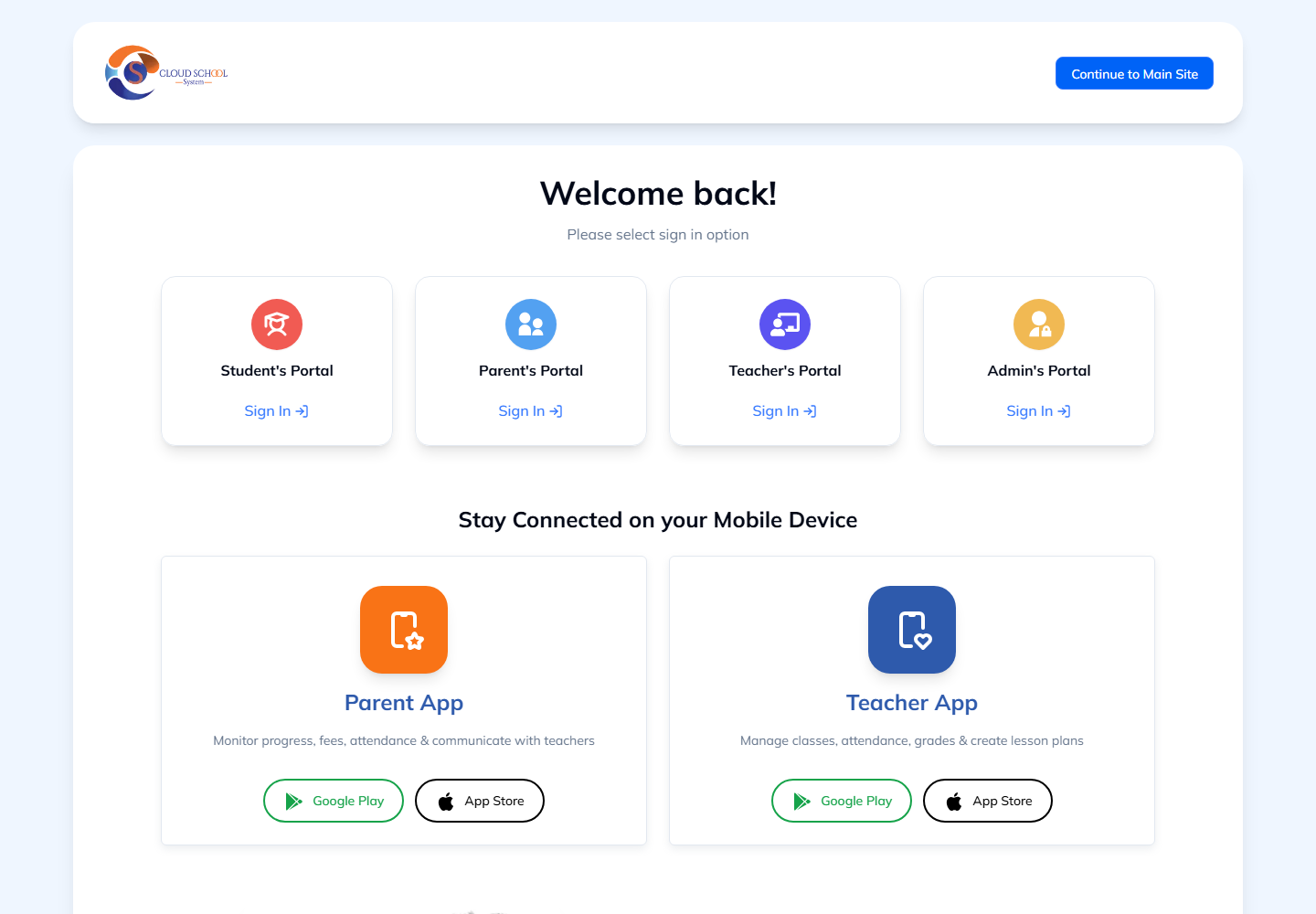
Choose your portal
Where to find it: Academic portal → Teacher’s Portal or Admin’s Portal
- Choose Teacher’s Portal for teaching tasks or Admin’s Portal for school administration.
- Sign in with the account your school provided, or open an academic module from your school dashboard.
- Use Parent’s Portal or Student’s Portal for a family or learner account.
Find your school workspace
Where to find it: School menu → Academics
- Confirm the school, campus, academic year and term.
- Choose Lesson Plans to prepare teaching, LMS (Online Learning) to organise learning activities, Analytics to review performance, or Discipline to review conduct.
- Use the module’s navigation to open the specific task. The menus available depend on your role and the services your school uses.
Note: If a sign-in link returns you to the welcome page, sign in again through your school portal and reopen the academic module. Ask your school administrator if the problem continues.