Academics · Lesson Plans · Teachers and academic administrators
Preparing and managing lesson plans
Choose your class, prepare a lesson plan and review schemes and records of work.
Updated 8 October 2026
Open the Lesson Plans workspace
Where to find it: Academics → Lesson Plans
- Open Lesson Plans and confirm the school campus, academic year and term.
- Choose your class and stream when prompted. Use Dashboard for an overview, then open Lesson Plans, Schemes of Work or Record of Work for the task you need.
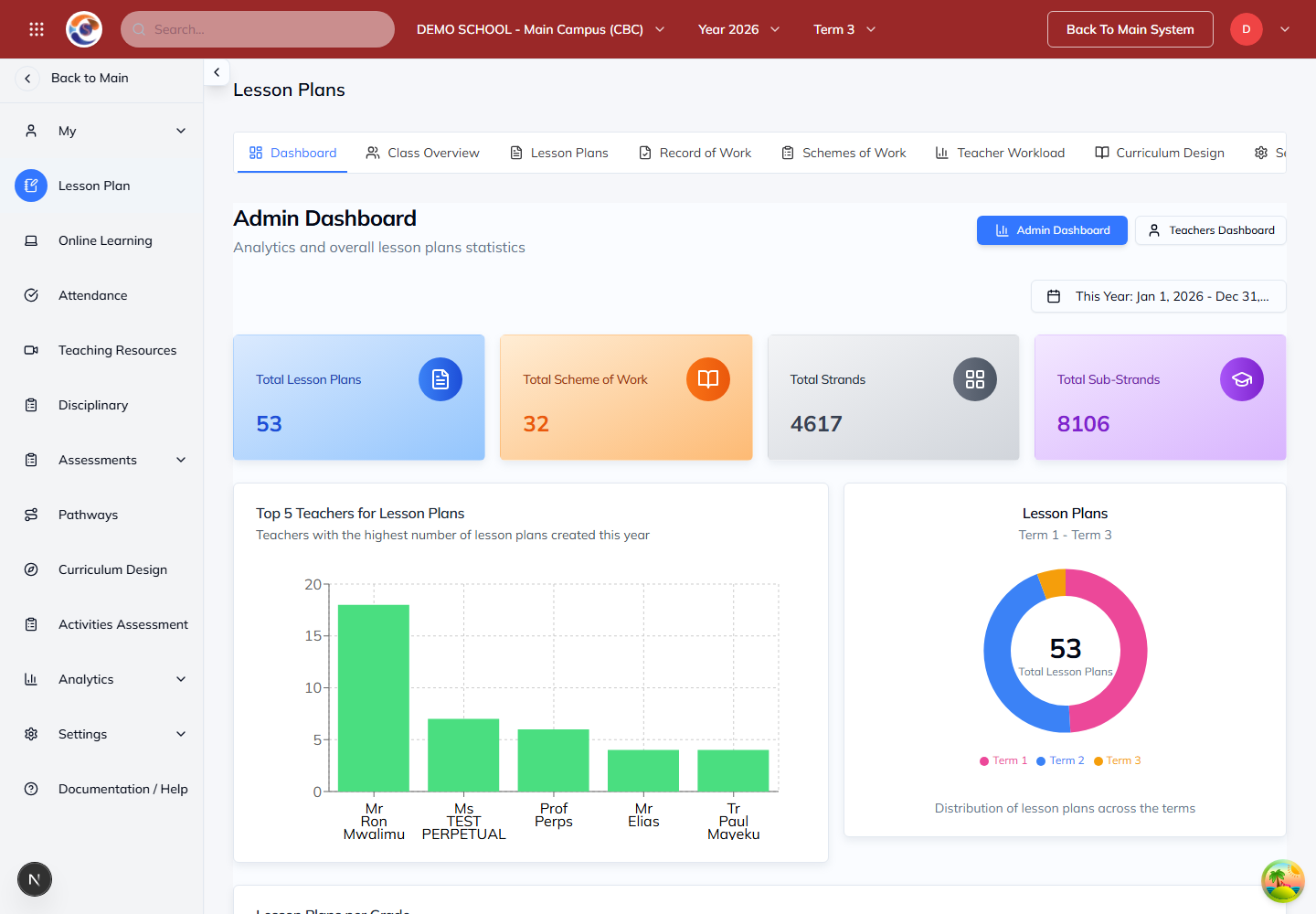
Note: The dashboard and actions available depend on your school role. Administrators may see school-wide totals; teachers can open their teaching dashboard.
Prepare a lesson plan
Where to find it: Academics → Lesson Plan
- Open Lesson Plans and select the appropriate curriculum, class or grade, subject and period.
- Create a plan or open an existing plan. Review the learning goals, activities and assessment before using it in class.
- Save your work and check the saved plan before leaving the page.
Note: Review any AI-assisted suggestions for accuracy, age suitability and alignment with your school’s curriculum.
Find your plans
Where to find it: Academics → Lesson Plans → My Plans
- Choose the class and stream you teach.
- Open My Plans to find an existing plan, or use the available create action to prepare a new one.
- Check the subject, period and learning objectives before editing.
Review schemes and records of work
Where to find it: Lesson Plans → Schemes of Work or Record of Work
- Open Schemes of Work to review the sequence of teaching for the selected class and subject.
- Use Record of Work to review what has been covered.
- Check the dates and class before sharing or printing a teaching record.
Note: Your role determines which plans you can edit and which shared plans you can view.