Finance · Pledges and Instalments · Accounts staff and authorised approvers
Following up pledges and instalments
Review agreed fee instalments, check outstanding balances and prepare reminders.
Updated 8 October 2026
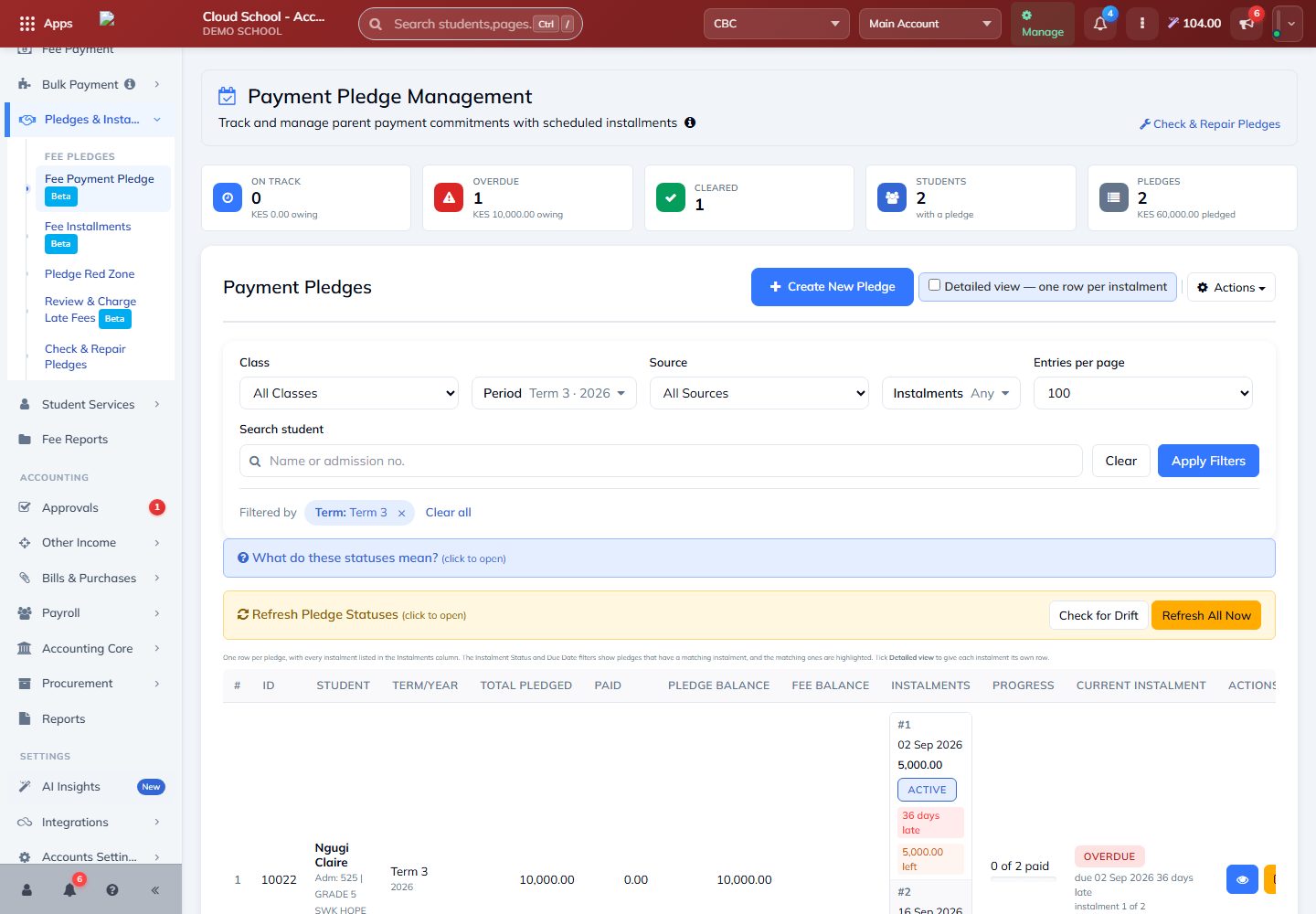
Follow up payment pledges and instalments
Where to find it: Pledges & Instalments
- Choose the appropriate filters and review the instalment view.
- Check the due date, amount, paid amount and outstanding balance for each instalment.
- Review overdue instalments before sending reminders. Preview the message and confirm the intended recipients.
Note: A pledge is an agreement to pay; it does not replace recording the actual payment. Review any late-fee proposal and follow your school’s approvals before charging it.