Finance · Fees and Payments · Bursars and accounts staff
Fees, invoices and payments
Find fee invoices, review payment records and confirm student balances.
Updated 8 October 2026
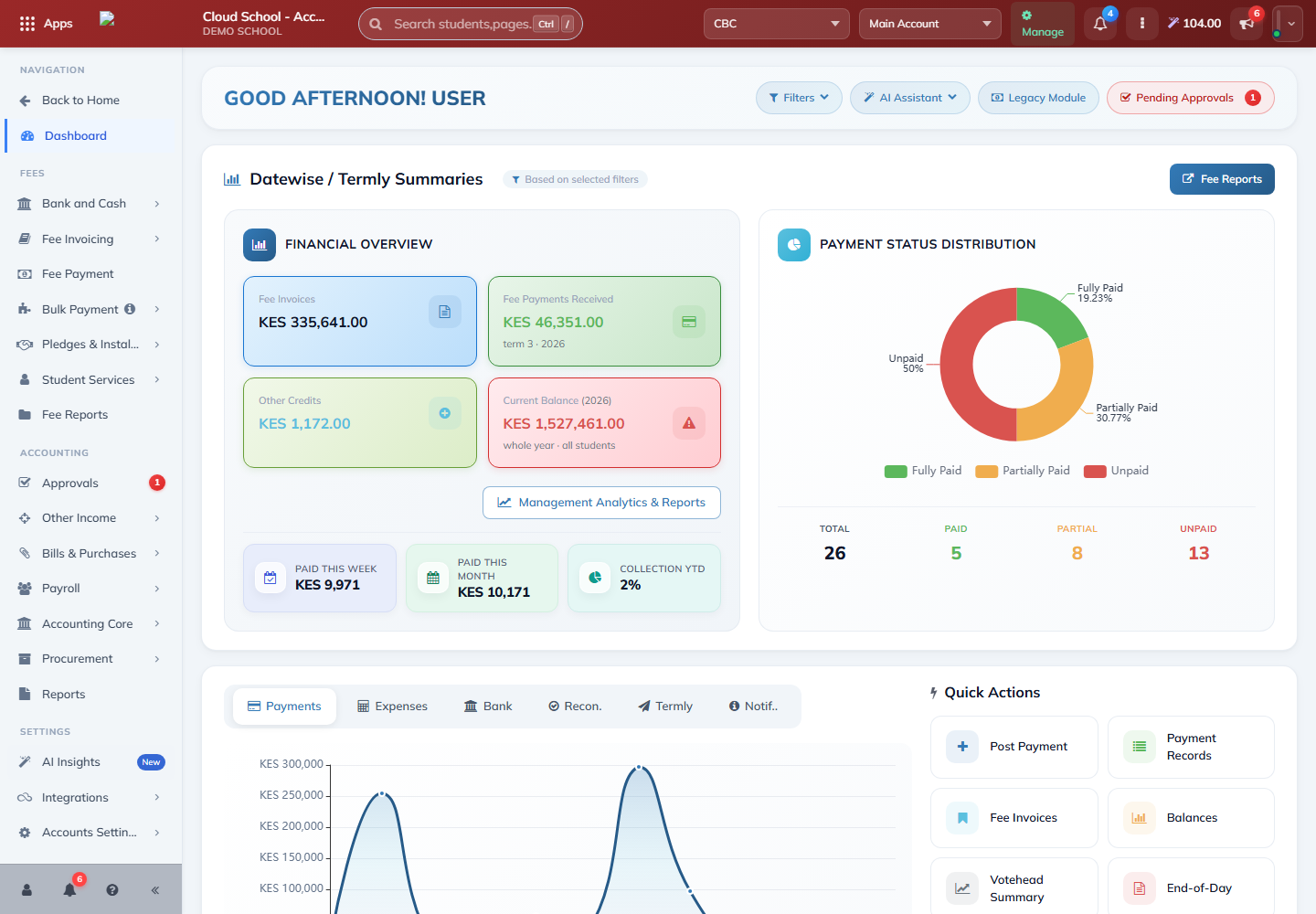
Check your finance workspace
Where to find it: Accounts & Finance → Dashboard
- Check the school, campus, academic year and term.
- Use the finance menu to open invoicing, payments, bank and cash, or reports.
- Use a summary tile to investigate a balance, then confirm it in the underlying records.
Review fee invoices
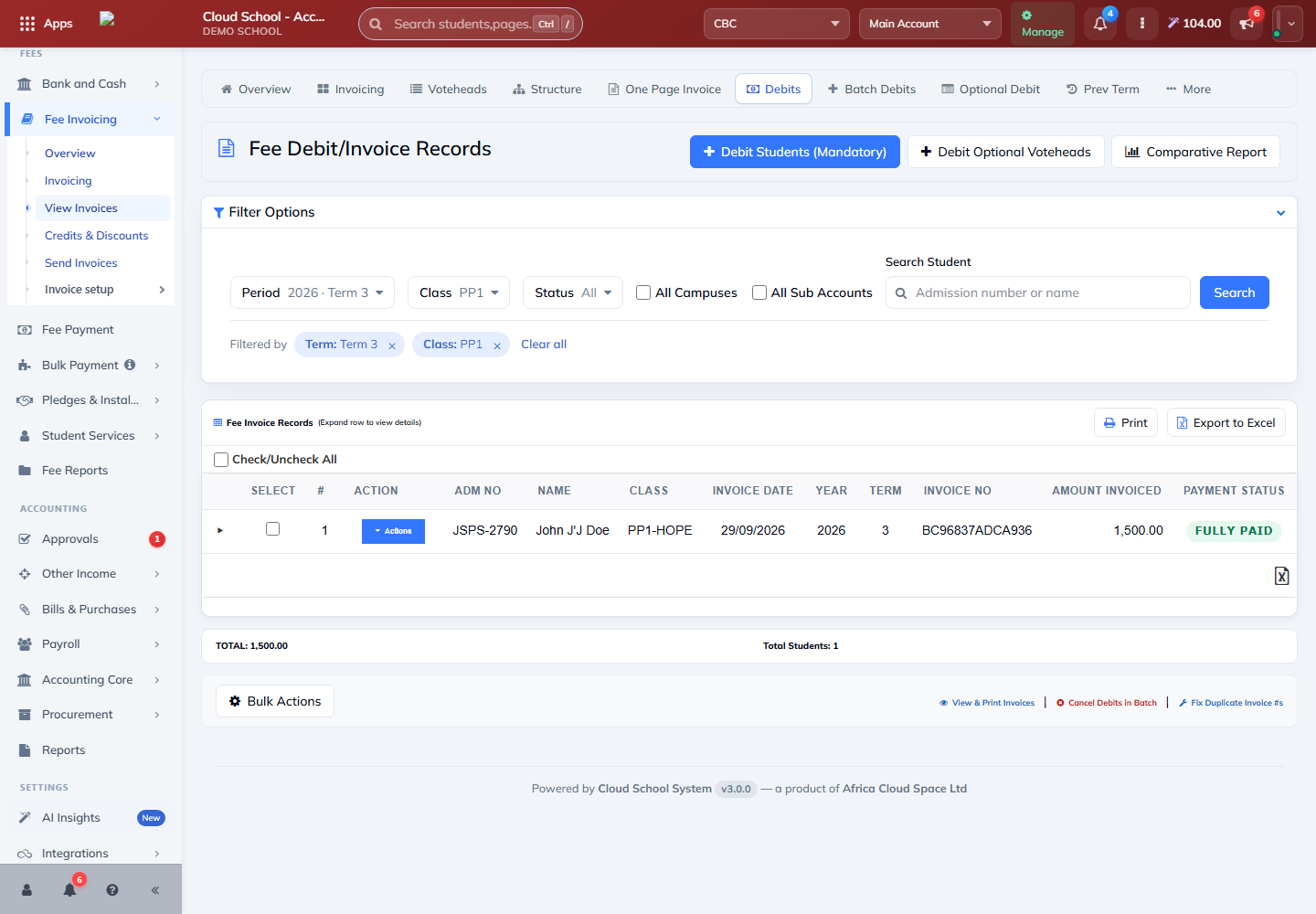
Where to find it: Fee Invoicing → View Invoices
- Choose the year, term, class or student required for your review.
- Load the invoices and check the invoice date, student, fee items and amount.
- Open the relevant record for detail before sending an invoice or requesting a correction.
Review payments and receipts
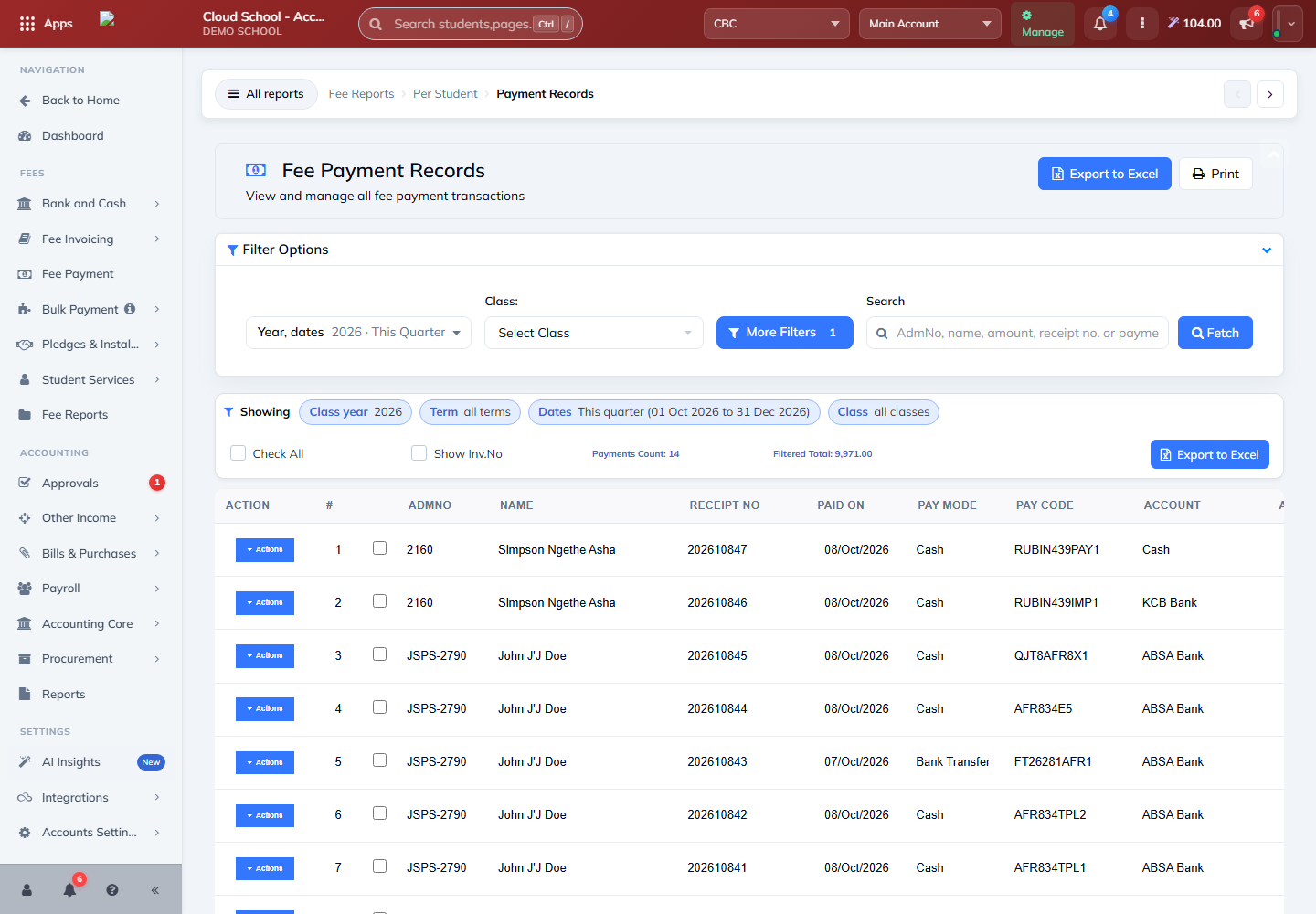
Where to find it: Fee Payment → Payment Records
- Search for the student or select the date range needed.
- Check the amount, payment method and reference against the receipt or bank record.
- Open the payment record for its detail or receipt. If something is wrong, follow your school’s correction and approval process.
Note: Check for an existing payment before recording another one. A received payment and an unpaid invoice should be reviewed together when investigating a balance.
Check balances and statements
Where to find it: Fee Reports or Reports → Fee Reports
- Choose Fee Balances for outstanding balances, or a statement report for the student’s transaction history.
- Confirm the student, year, term and date range.
- Generate the report and review invoices, payments and any adjustments before sharing it.
Note: Use your school’s approved reversal or cancellation workflow to correct posted transactions. Keep the reason and supporting documents available for review.